
Where did that number come from? Every civilian total shows its work
Click any civilian total in your logbook to see the rules behind it, how many flights each rule counted, and the flights themselves.
The question to be ready for in a logbook review is “how did you get this number?” A converted total you can't trace is hard to defend, even when it's right. So every civilian total in ProvenFlight now shows its work.
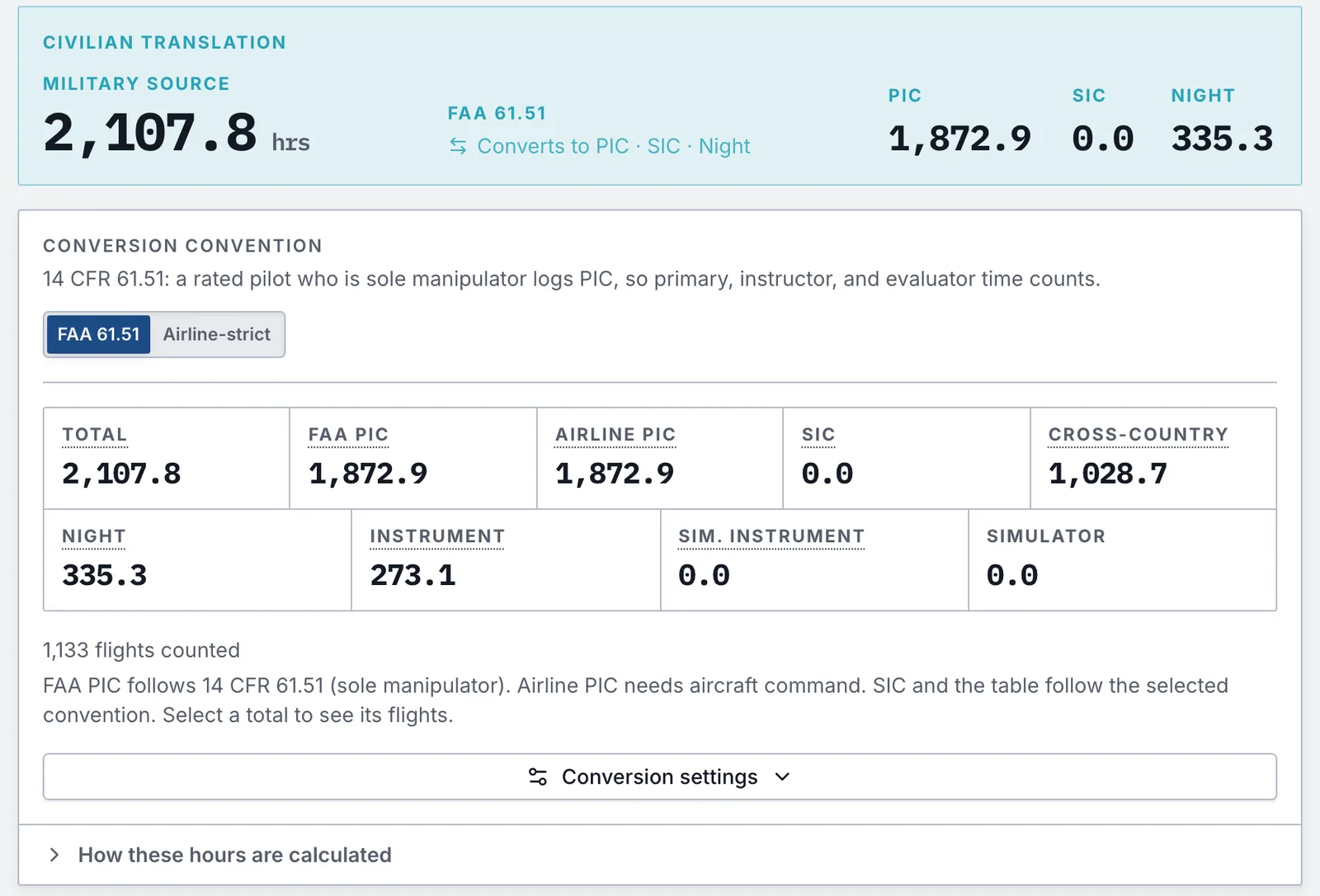
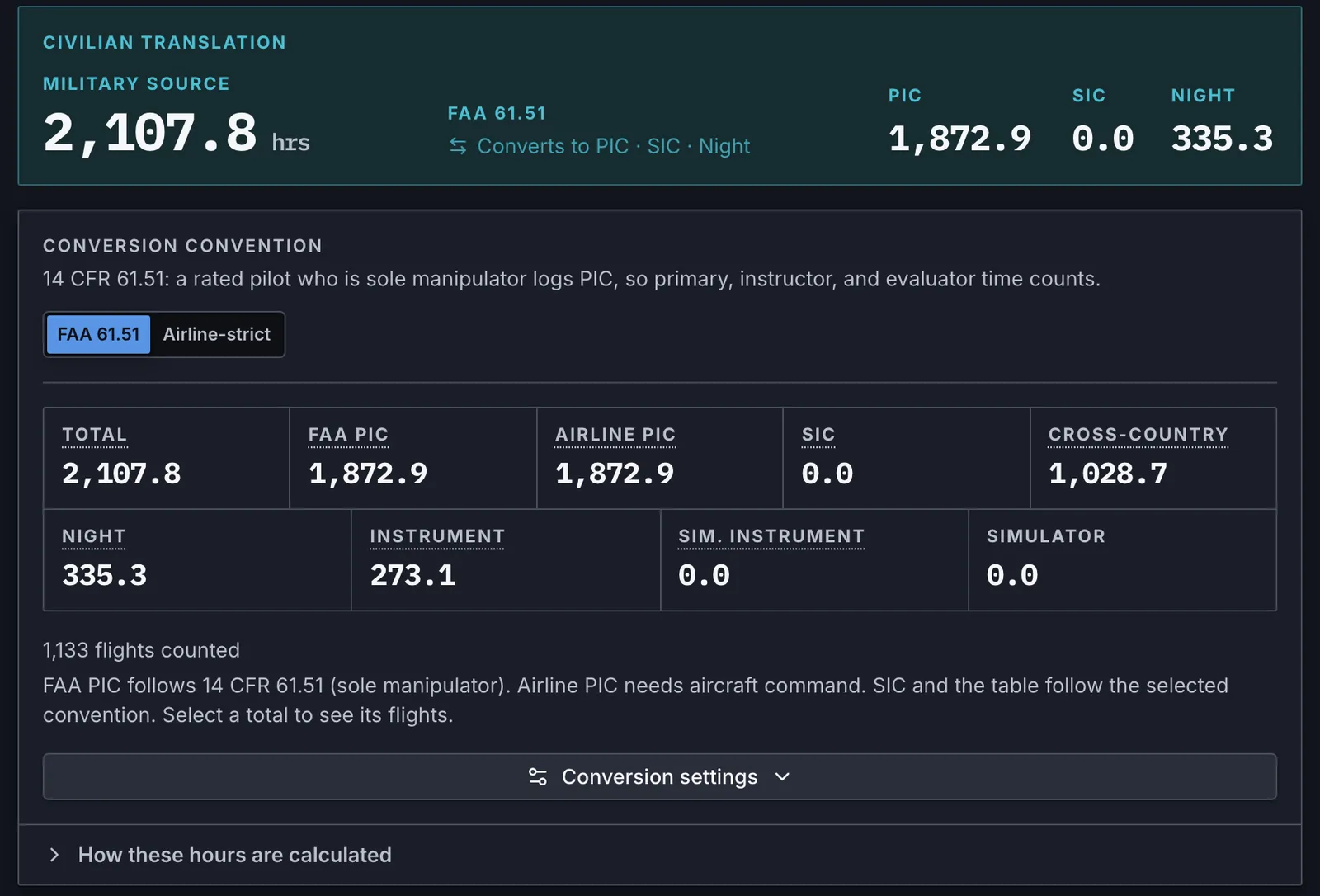
Open the civilian view of your logbook and click a total: Total, FAA PIC, airline PIC, SIC, cross-country, night or instrument. You get the lines that add up to it, how many flights each line counted, and the hours.
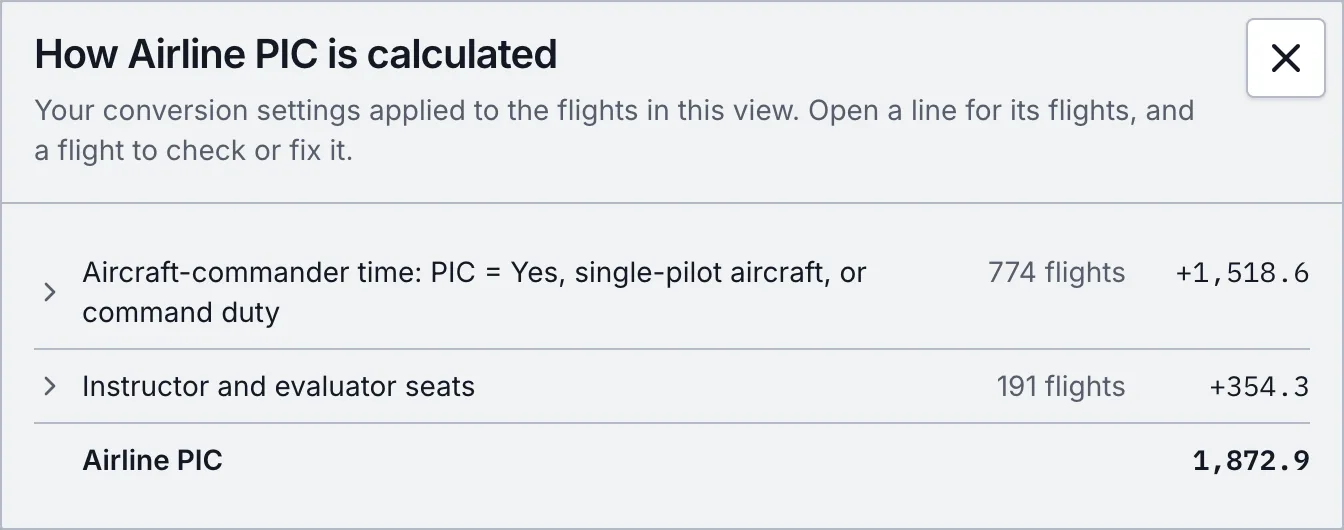
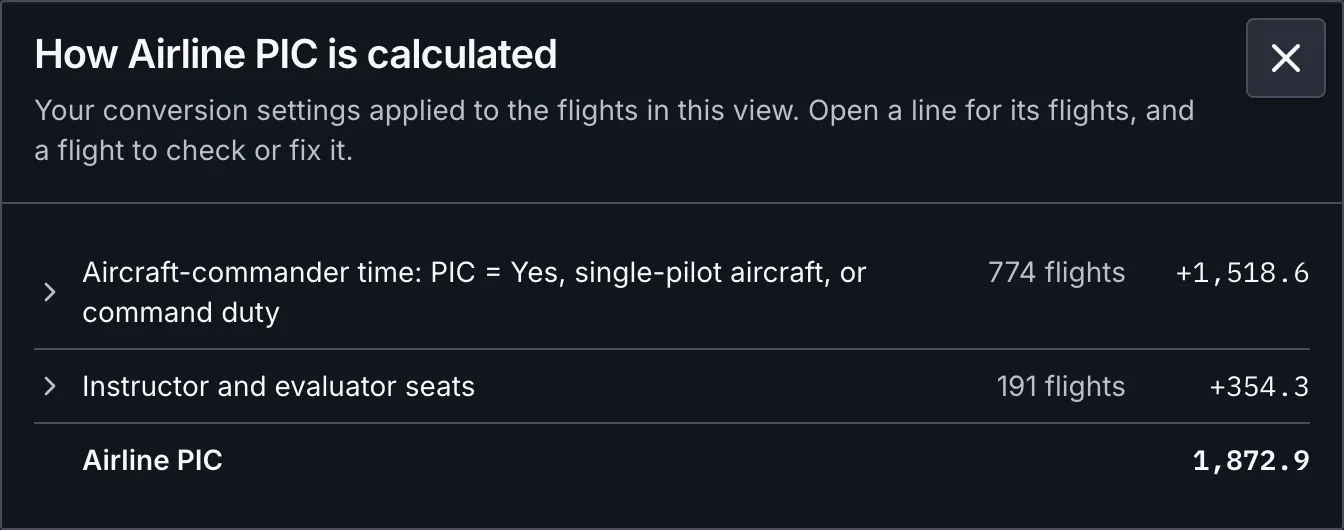
Here's airline PIC for our demo pilot: 1,518.6 hours of aircraft-commander time (flights logged PIC = Yes, single-pilot aircraft and command duty) plus 354.3 hours from instructor and evaluator seats. Open a line to see its flights, then click a flight to check or fix it.
Why FAA PIC and airline PIC differ
FAA PIC follows 14 CFR 61.51: a rated pilot who is the sole manipulator of the controls logs PIC. Airlines want aircraft command. The breakdown shows both, and the gap between them is worth understanding before an interview. The PIC guide covers the rules behind each line.
The walk to Total
Total starts from flight time as recorded and walks to the civilian number. Simulator sessions, RPA time, non-pilot crew duty and any flights you opted out come off. Other time comes off if your settings leave it out of Total, and a per-sortie adjustment adds on if you set one. It's the same walk as the totals bridge in your ledger PDF, so the screen and the printout agree.
The caps you'd otherwise miss
Night, instrument and cross-country each show what was logged, what was left out and what was capped. When Other time comes out of Total, night flown during that time comes out with it, and the breakdown tells you how much.
Nothing here edits your flights. It's the same math your exports use, laid out so you can check it on the web or in the mobile app.