
Building a logbook review binder: tabs, margins and records-office letters
A pilot's airline interview binder, and the ledger PDF options we built from it: summary pages, tab markers, a binder margin and signed records-office letters.
A pilot who recently went through an airline logbook review walked us through the binder they brought. Up front: an inventory of every record source and totals by aircraft. Then career milestones, a signed letter from the records office, the logbook itself, and the source records behind dividers.
We rebuilt the ledger PDF to print in that order, and added the physical details that make a binder easier to hand across a table.
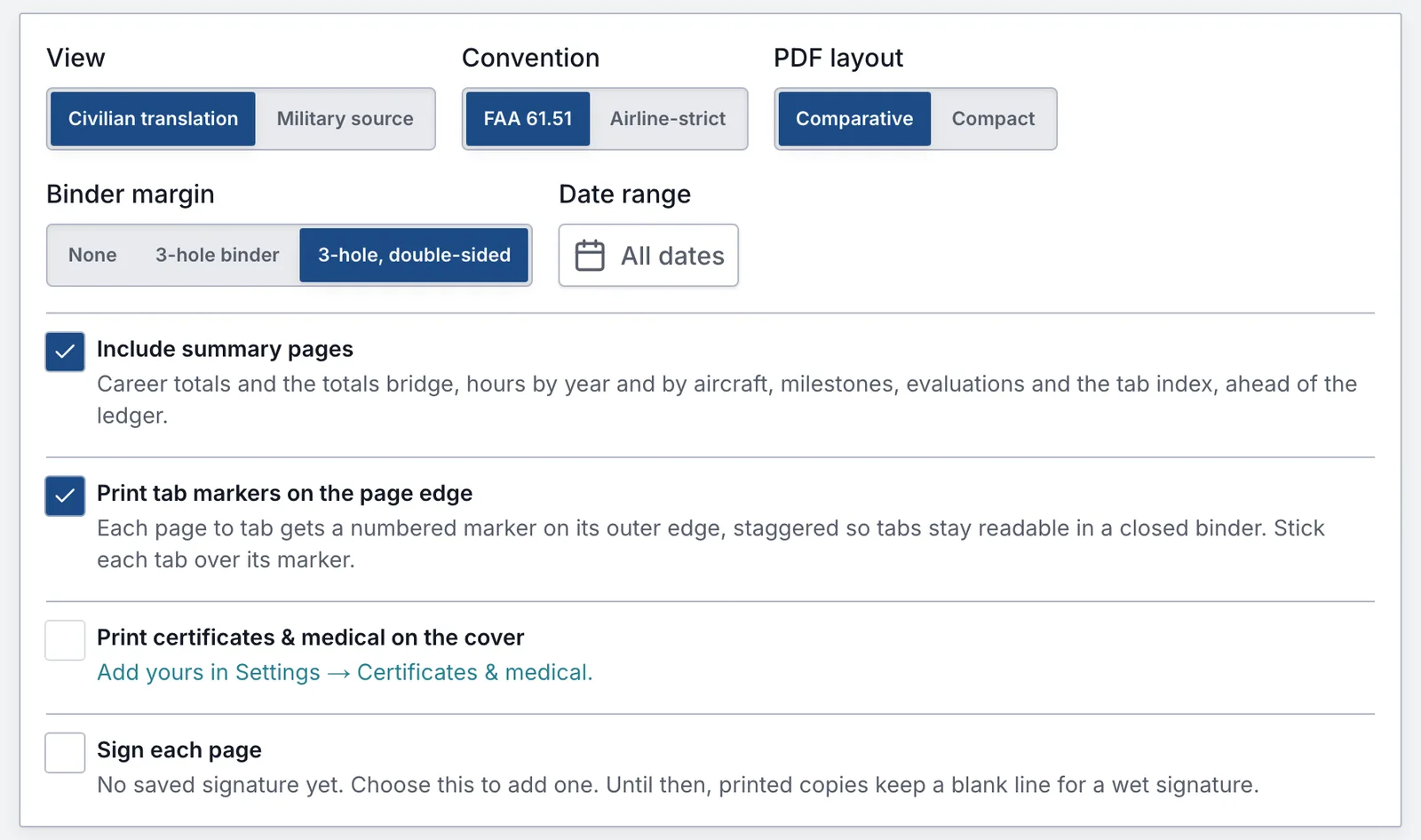
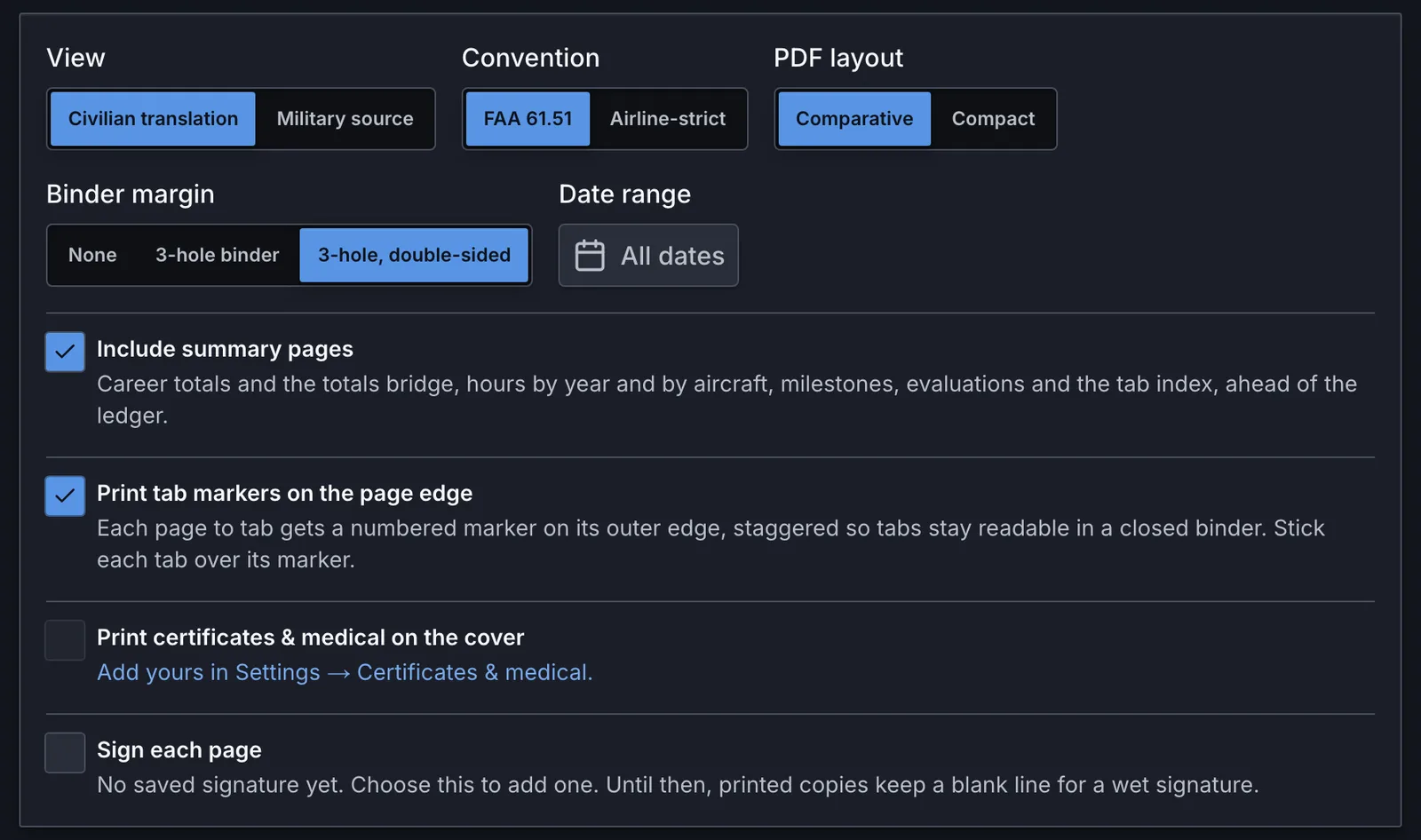
Summary pages up front
Include summary pages puts these ahead of the ledger:
- career totals and the totals bridge from your military total to the civilian one
- hours by year and by aircraft
- a logbook inventory, one row per record source, with its condition
- the aviation career milestones page
- an evaluation summary with each checkride's printed grade and crew position
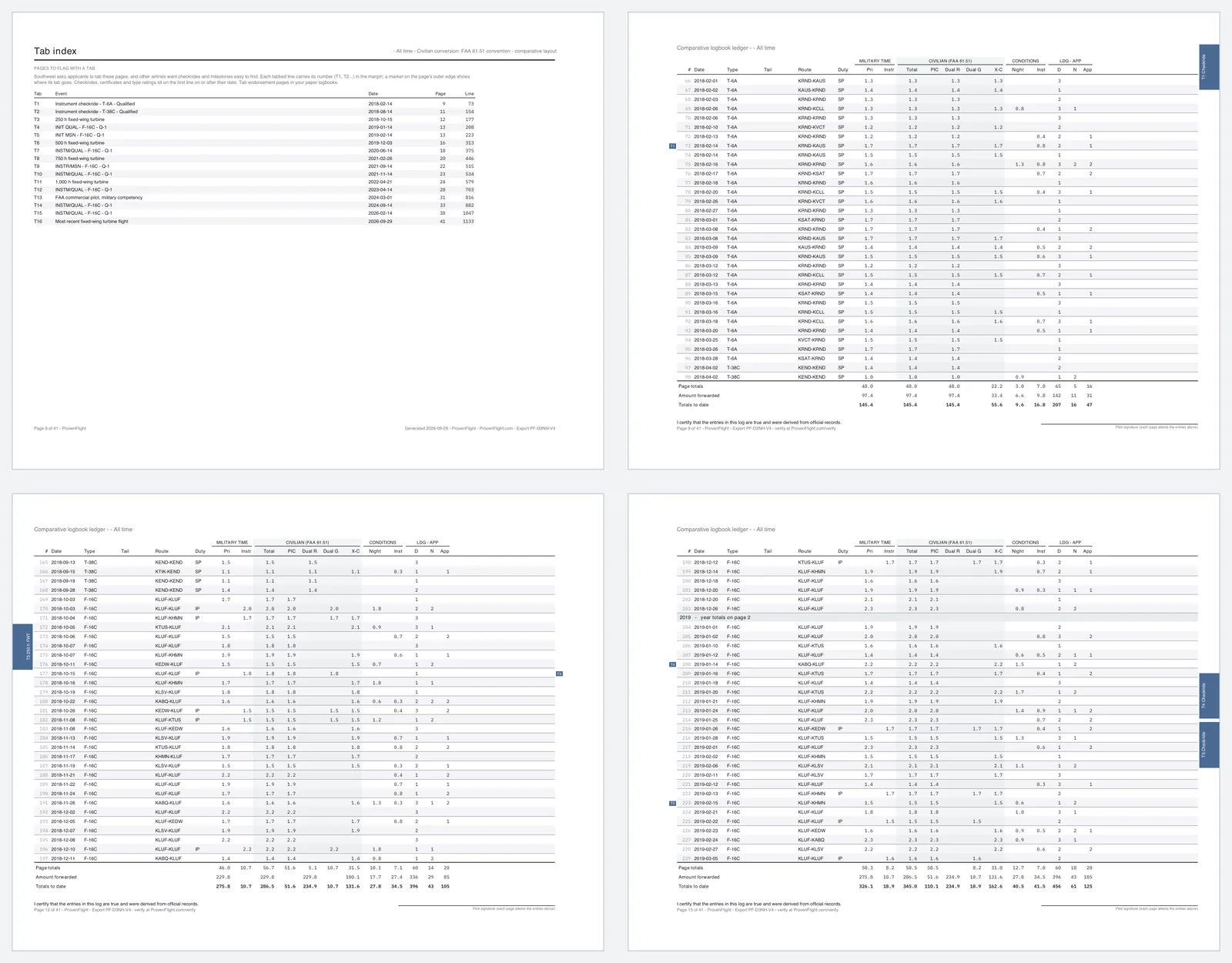
- a tab index
Tabs where they belong
Southwest's interview guide asks applicants to tab the pages where they crossed 250, 500, 750 and 1,000 fixed-wing turbine hours, plus their most recent turbine flight. Other airlines want checkrides and milestones easy to find.
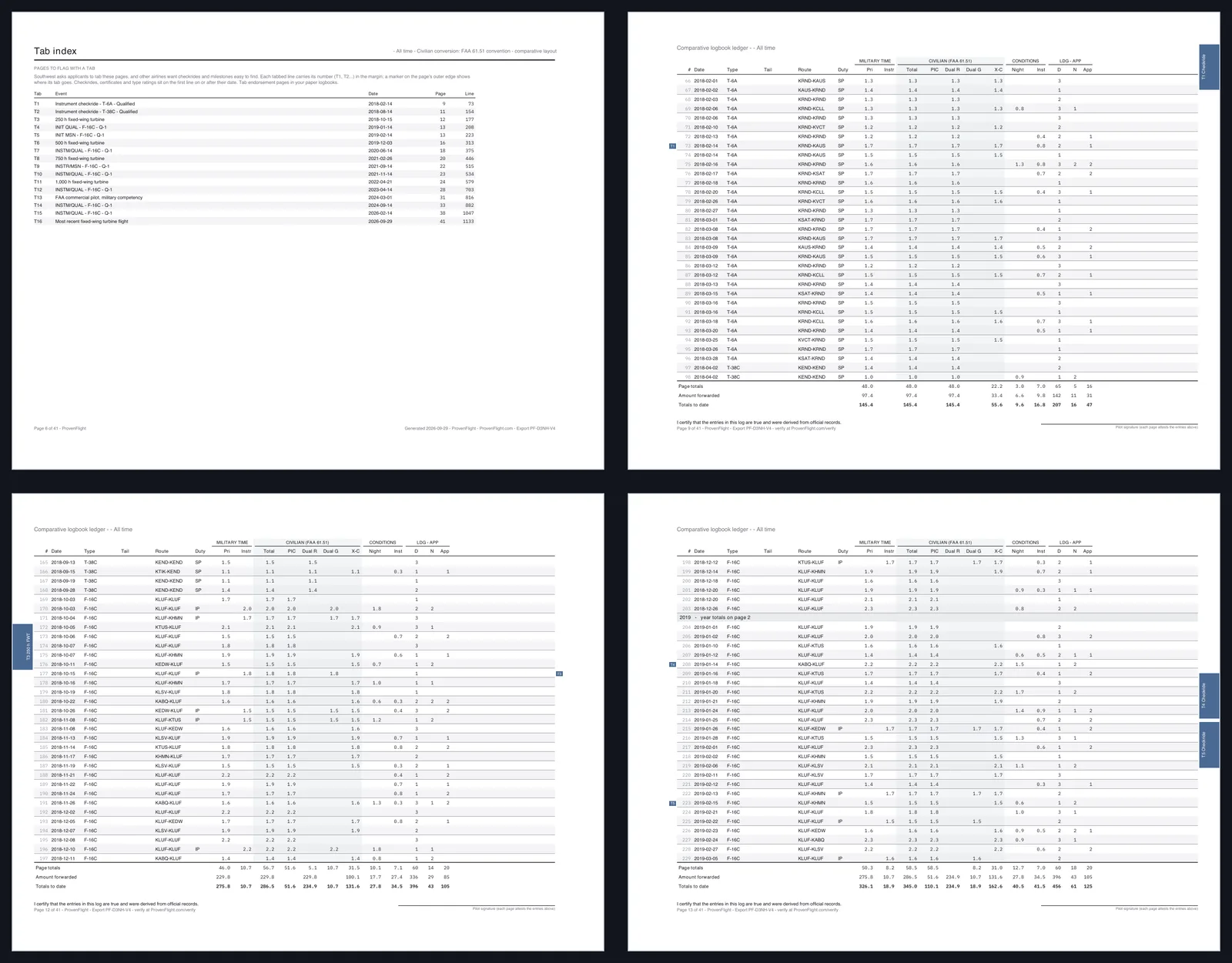
The tab index lists each one with its page and line, and the ledger marks that line T1, T2 and so on in the margin. Turn on tab markers and each tabbed page also gets a numbered marker on its outer edge. The markers step down the page so the tabs don't cover each other in a closed binder, and they switch sides for double-sided printing.
A margin for the holes
Choose 3-hole binder or 3-hole, double-sided and each page shrinks to leave room for the punch, so the holes don't land in your columns. The double-sided option alternates the margin so it's always on the binding edge.
Your records office's letter
If your records office signed a letter verifying your flight history, add it to the export. It prints after the summary pages, and every ledger page with flights in the letter's date range cites it on the title line.
The finishing details
- Your ATP or R-ATP, first-class medical and FCC permit on the cover, if you want them there.
- Your saved signature on every page, or a blank line on each for a wet signature.
- An export ID that anyone holding the PDF can look up.
The PDF organizes your records. It doesn't replace them. Bring your original logbooks and source documents, and check each airline's current instructions before you print.