
After the import: keep your military logbook current
A repeatable routine for logging new flights, reviewing later imports and refreshing your application numbers without losing the source record.
The first import catches the logbook up to a date. Your next flight starts the next period. Keep logging while the details are fresh, then compare those entries with the next official report. That gives you a current record between exports and a repeatable way to find differences when the official file arrives.
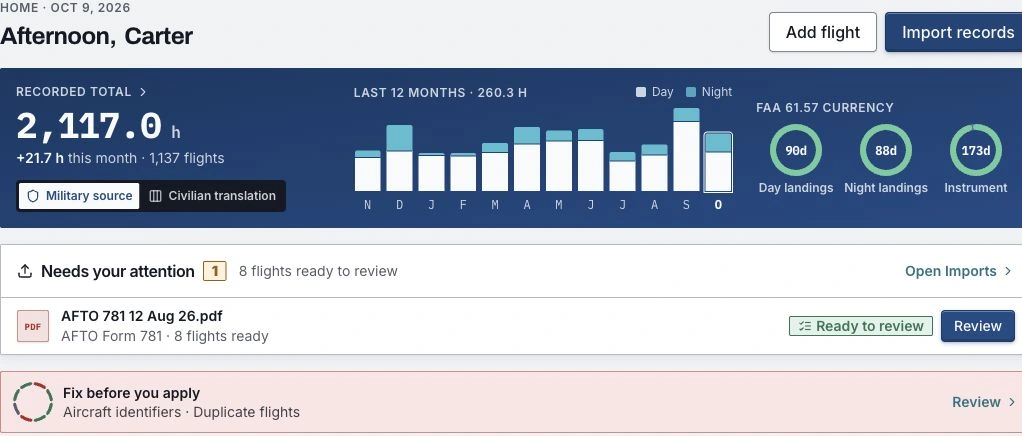
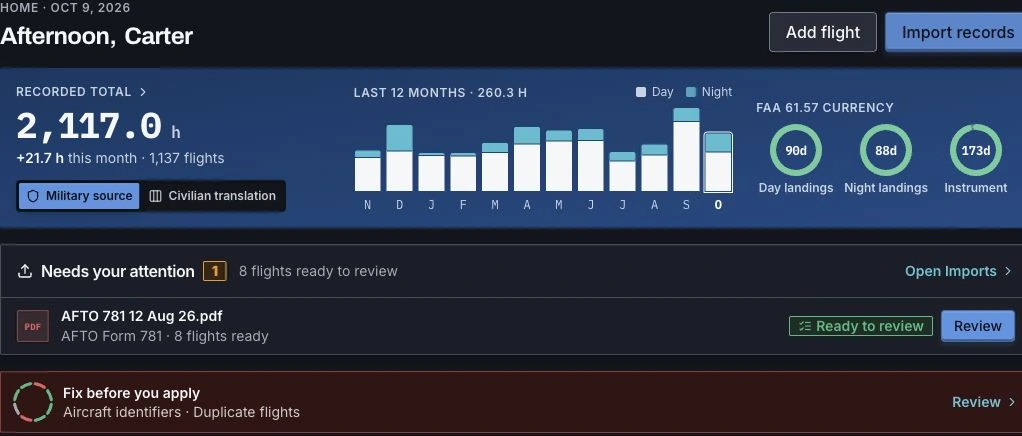
ProvenFlight supports that routine in the same logbook as your imported history. Home shows recent flying, military source and civilian translation views, imports awaiting review and findings to resolve before applying.
After each flight: enter the facts you can support
Choose Add flight, confirm whether you flew as military or civilian, and review the date, aircraft, identifier, route and duration. The form can prefill details from your last flight; check them against this one before saving. Enter the crew position and conditions that actually apply, along with landings and approaches when relevant.
Military position hours and condition hours describe different things. Night or instrument time can fall inside the same flight duration; do not add it again as another flight. Keep simulator entries identified as simulator time, and record civilian flying as civilian flying. The mixed-time guide explains how those records live together.
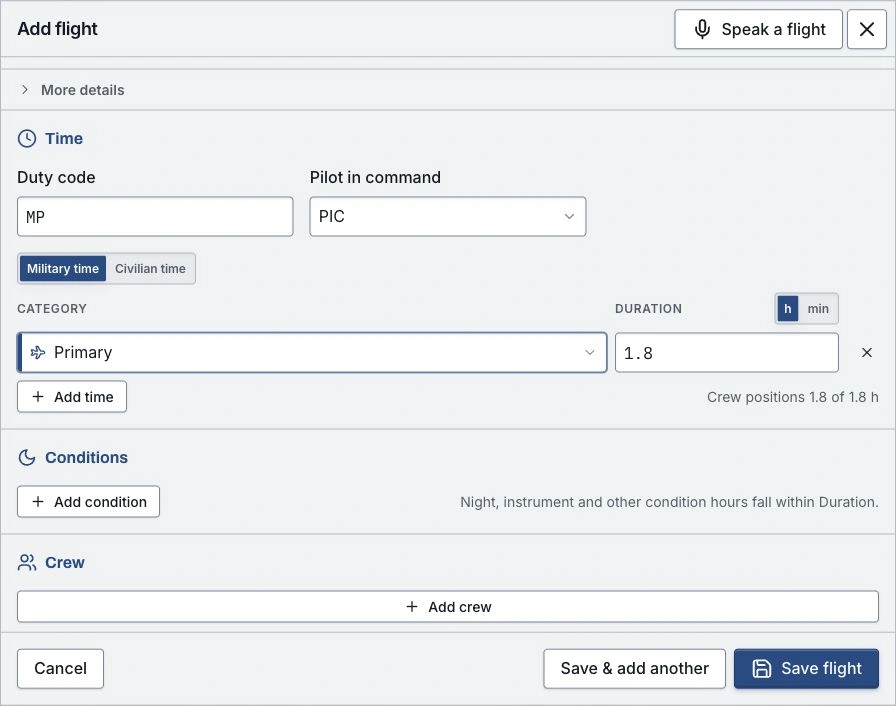
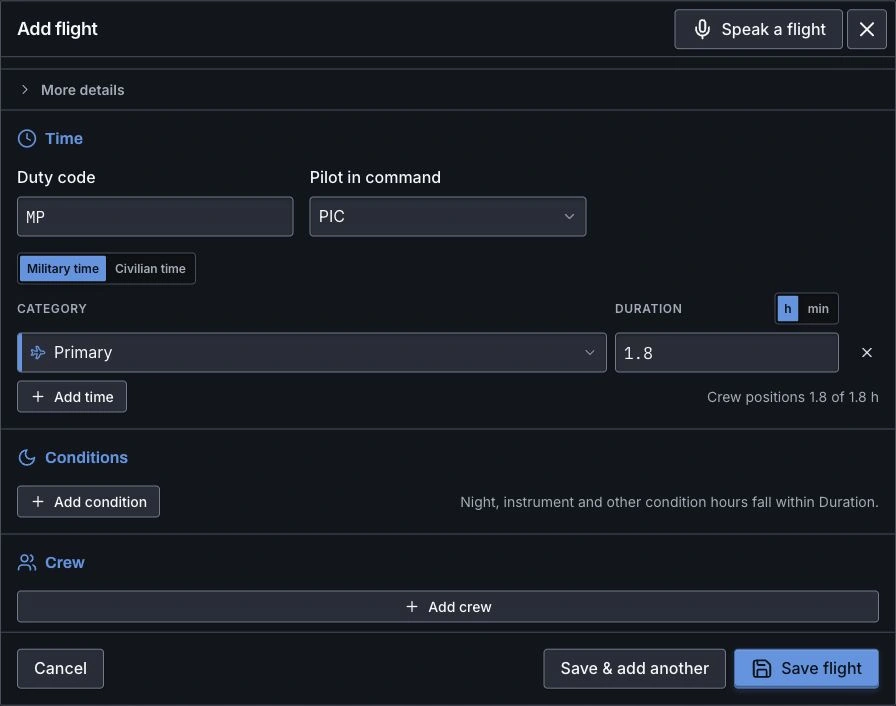
You can also speak a flight to create a draft. Review what was heard, correct guessed or missing fields, then save it. A spoken draft still needs the same inspection as a typed entry. Use the current FAA pilot logbook rule, 14 CFR 61.51, when deciding what information to document for certificates, ratings and recent experience.
When the official report arrives: compare the overlap
Keep the original file and review the import before committing it. The new report may include flights you already entered yourself. Compare overlapping entries and resolve duplicates or conflicting values before using the totals. A second source for a flight is evidence to reconcile, not an extra sortie to count.
Run the logbook integrity review after the import. Its records reconciliation report helps compare the files and their covered periods. If the official report and your entry disagree, keep the source context and ask the records office about the specific difference.
Before an application update: check the counting rules
Switch between military source and civilian translation to see the two views. Check your conversion settings, then use the worksheet for the application you are updating. A new flight can affect several totals at once; a changed conversion setting can change a civilian total even when the underlying flight record is unchanged.
Save a dated copy of the submitted figures and the files behind them. If your hours later change, you can distinguish continued flying from a correction or a different counting convention. Career also updates from your committed flights and records; the milestones guide explains its timeline and estimated hour marks.
Before sharing or printing: refresh the right output
A downloaded PDF or spreadsheet is a snapshot. Generate another after new flights or corrections, using the date range and counting rules you need. An active share link builds its view when someone opens it, so check that link's audience, content and selected counting rules too.
Keep the official records and a portable backup alongside the app. Review the available export formats and the recruiter sharing guide before sending the next update. A small routine after each flight and each official report makes that update easier to explain.