
A shareable pilot profile for LinkedIn and your resume
One link that shows your hours, aircraft and career milestones, and stays current as you log. What it shows, what it never shows, and how to share it.
One of our pilots had built a flight-hours dashboard for LinkedIn: a spreadsheet feeding a chart. It was only as current as the last spreadsheet update, so the question was whether ProvenFlight could keep it current instead. Now it does.
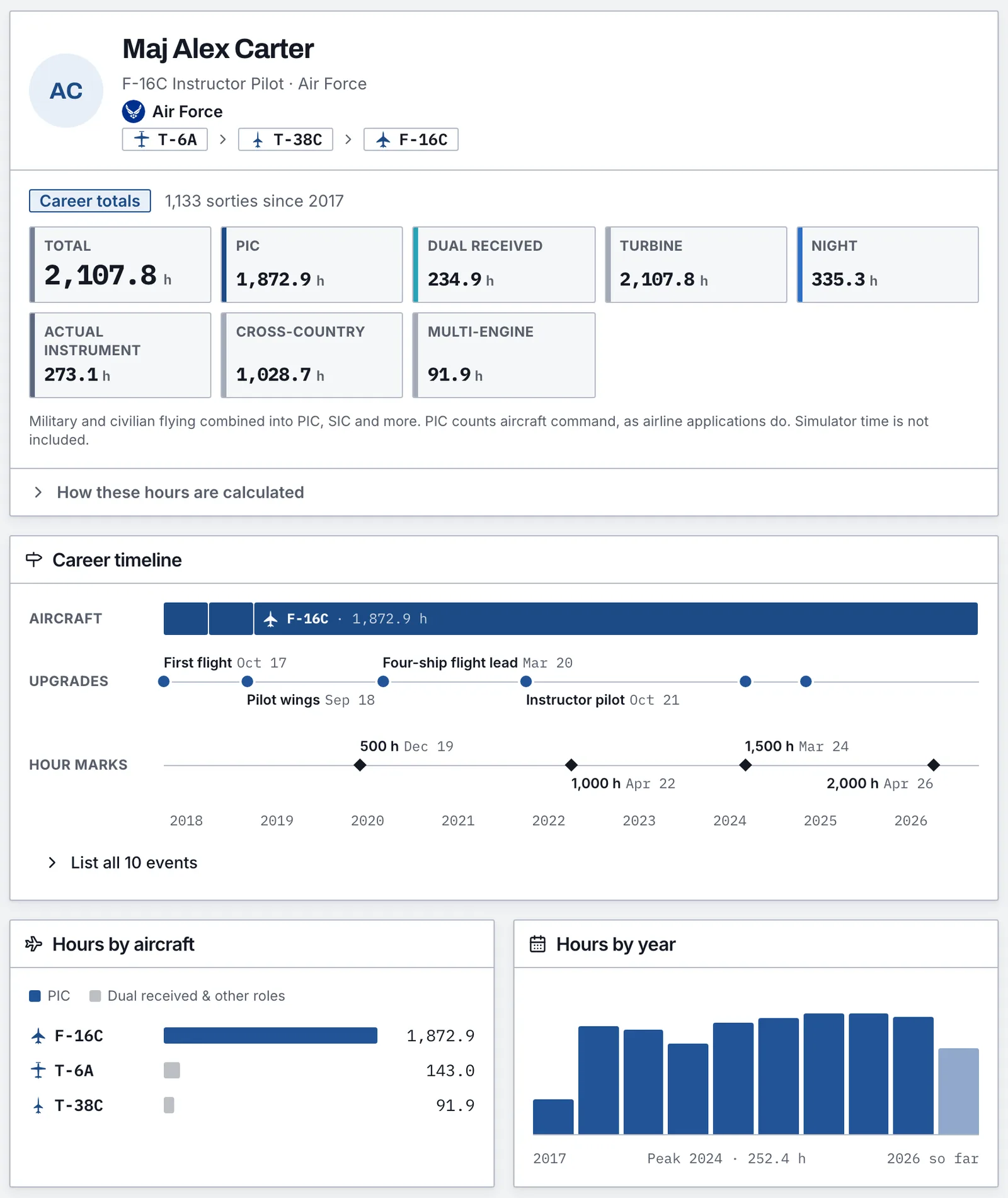
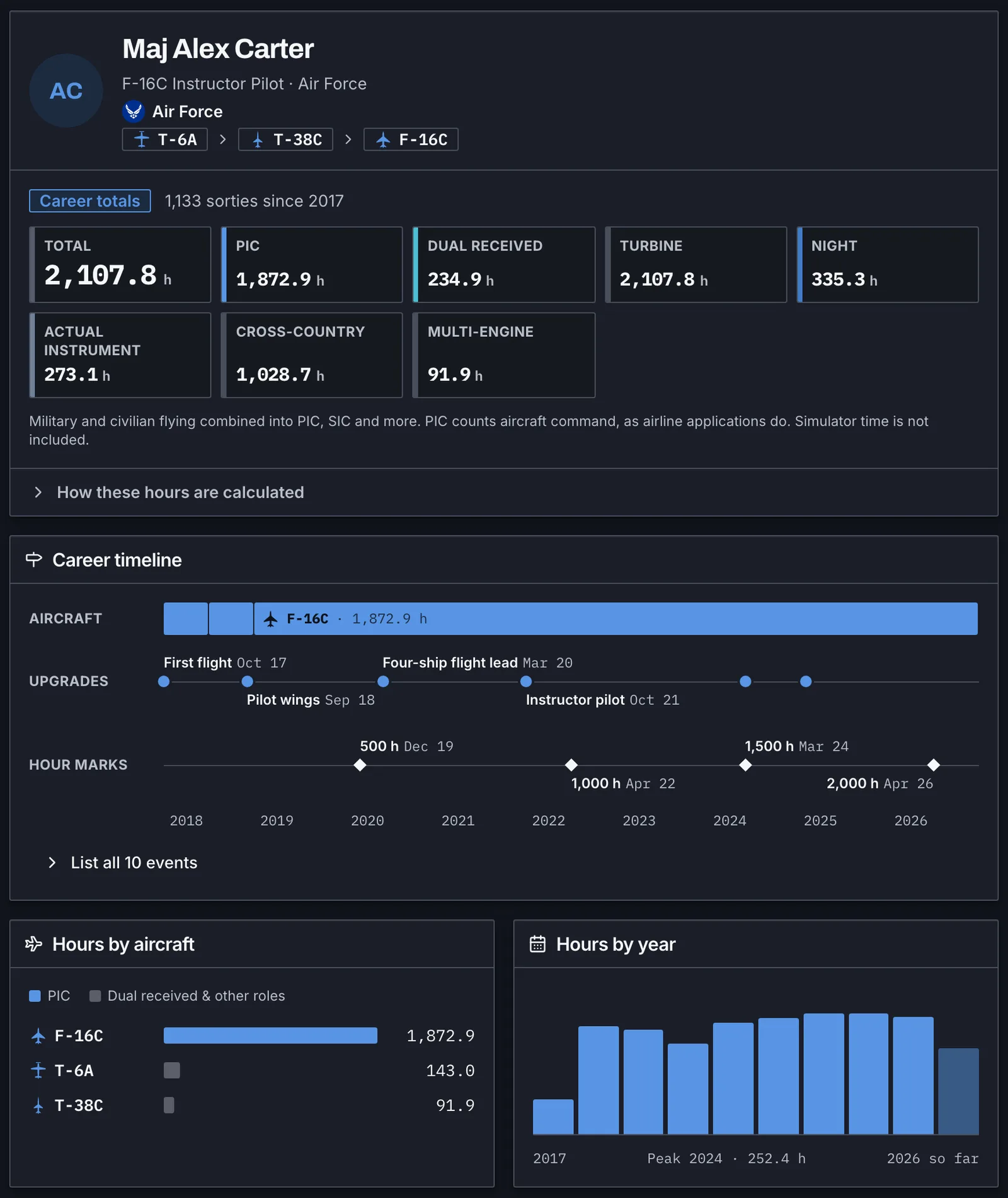
Your public profile lives at provenflight.com/pilots/your-name. It's built from your logbook every time someone opens it, so it's current the moment you log a flight.
What's on it
- Headline totals such as total, PIC, dual received, turbine, night, instrument and cross-country. You choose the tiles and drag them into order.
- The aircraft you've flown, in order, from your first trainer to today.
- A career timeline with upgrades, checkrides and hour marks, plus hours by aircraft and by year.
- If you want it: your ATP or R-ATP, a first-class medical while it's current, and your FCC permit. That section stays off until you turn it on.
How the hours are counted
By default the profile shows Career totals: military and civilian flying converted into civilian categories with your own conversion settings. PIC follows aircraft command, the way airline applications count it, and simulator time stays out. If you'd rather show your time exactly as the military recorded it, switch the profile to As flown. Either way, a “How these hours are calculated” note sits under the totals, so nobody has to guess.
What it never shows
No dates finer than a month. No airfields or routes, tail numbers, units, call signs or crew names, and nothing from your source documents. Profiles are hidden from search engines, and LinkedIn still shows a preview card when you post the link.
Sharing it
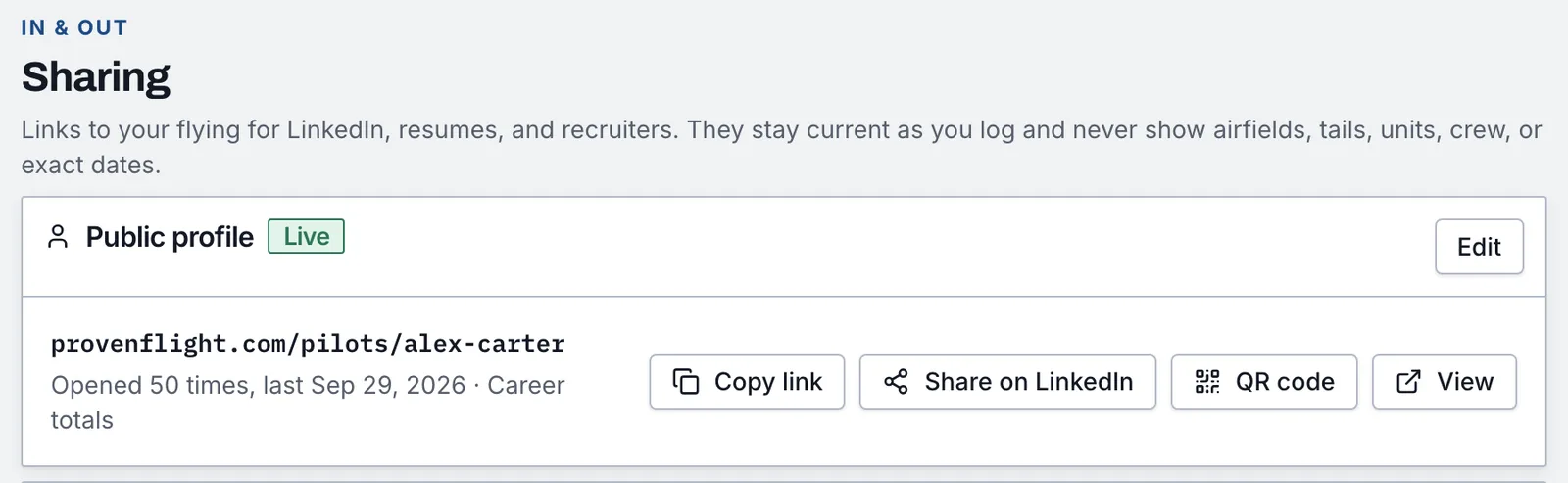
Copy the link, post it straight to LinkedIn, or download a QR code for a resume or a business card. The Sharing page shows how often the link was opened each week. We count views without recording who opened it, and your own visits don't count.
Building and previewing a profile is free. Publishing it takes Pro. And if you want a version for one recruiter, counted by that airline's rules, that's what private links are for.